INPUT
Choose your controls
Physical controllers remain available. Keyboard and mouse mode starts only when you click the capture button on the game page. Escape releases the mouse.
INDEPENDENT XBOX REMOTE PLAY LAUNCHER
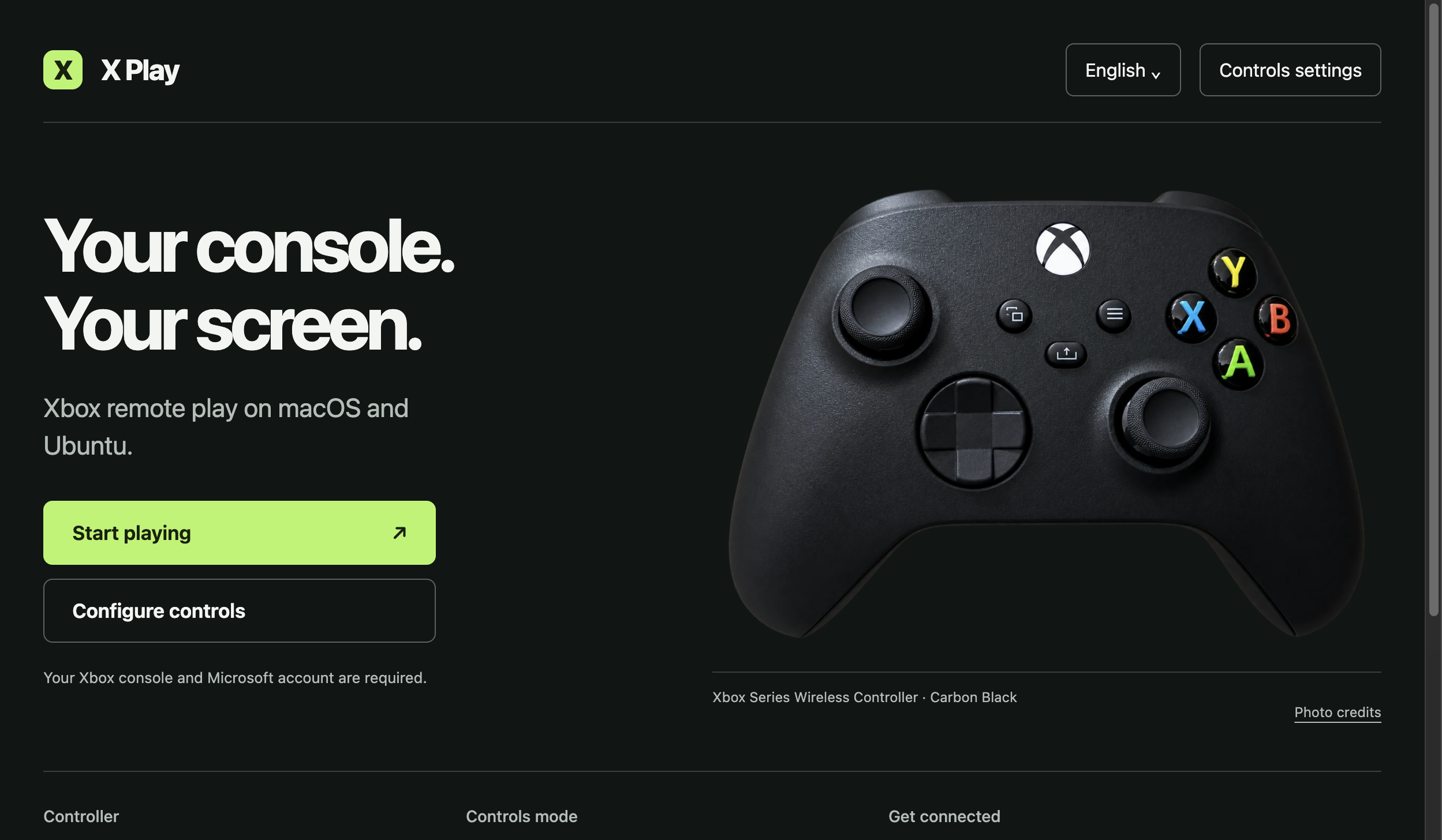
Open Xbox Remote Play in a dedicated macOS or Ubuntu ARM64 window. Use a physical controller, or choose a keyboard and mouse profile with explicit mouse capture.
1.3.1 preview · Xbox gameplay acceptance pending
The 1.3.1 preview is available below. It adds six optional support methods with copy, QR codes and clear verification status. Earlier 1.3.0 launcher checks ran on Switch; this update still needs physical Switch acceptance.
INPUT
Physical controllers remain available. Keyboard and mouse mode starts only when you click the capture button on the game page. Escape releases the mouse.
PROFILES
Map keys, change sensitivity and invert the vertical axis. Create, copy, select and delete named profiles. Export one or the complete library. Imports are validated and reviewed before being applied. Changes apply to the next game window.
PERMISSIONS
Remote pages do not receive Node.js access. Navigation is restricted to the supported Xbox and Microsoft sign-in origins. Microphone requests are off by default.
RELEASE STATUS
The 1.3.1 preview targets Apple Silicon macOS and Ubuntu ARM64. Local launch and controls checks are separate from real Xbox gameplay acceptance. Intel Mac, Windows and Android packages are not offered by this project.
The macOS package has an ad-hoc signature. Apple Developer ID signing and notarization are not available. Verify the release and its checksum before opening a downloaded app. A “damaged” message can also indicate a bad download; do not disable macOS protection as a routine installation step.
Apple Silicon ARM64 · ad-hoc signed · 118.0 MiB. Xbox gameplay acceptance pending.
Download ARM64 DMGSHA-256: dd7a9648cee6d58be708df167992101cb133fb090b6982c0e24dbcbfd0e79b75
Download Ubuntu ARM64 ZIPUbuntu: launcher and profile save checked on Switch OLED. Hourly updates are available through the RemTeh Device Lab installer.
Release notes, Linux checksum and sourceOlder macOS package. It predates the controller loop, input ownership and security fixes described above.
1.0.0 DMG · legacy packageSHA-256: dd7a9648cee6d58be708df167992101cb133fb090b6982c0e24dbcbfd0e79b75
Remote Play requires a compatible Xbox, its remote features and a Microsoft account. Service availability, subscriptions and network conditions belong to Microsoft's service. Latency depends on the full connection; no zero-latency or universal game compatibility is claimed.
Sign in on the Microsoft page yourself. For a connection failure, keep the error message and check the official Xbox service in your browser before retrying. Support reports should exclude account data and tokens.
Installation and limitations